
- 목표
게시글 작성을 위해서는, 게시글을 작성할 폼을 생성해야한다.
1. HTML 파일 작성할 곳 만들기

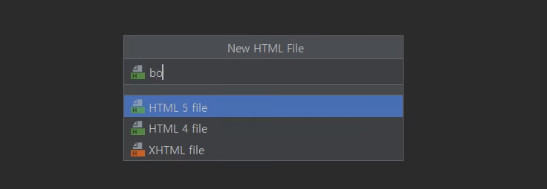
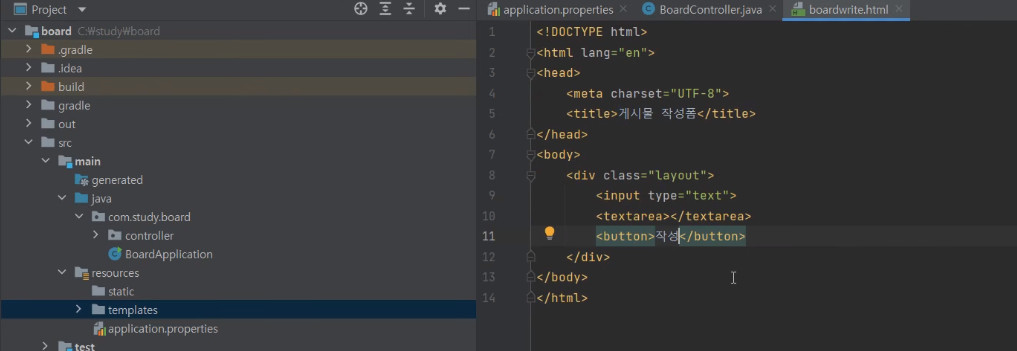
src > main > resources > templates >
boardwrite라는 이름으로 HTML 파일을 만들어주었다
<!DOCTYPE html>
<html lang="en">
<head>
    <meta charset="UTF-8">
    <title>게시물 작성폼</title>
</head>
<body>
    <div class="layout">
        <input type="text">
        <textarea></textarea>
        <button>작성</button>
    </div>

</body>
</html>
2. Controller를 사용해서 HTML 페이지로 이동하는 url 주소 작성
① board > src > java > com.study.board > controller >
BoardController로 이동
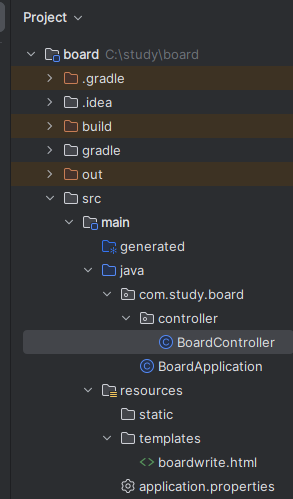
② Controller에 보내줄 url 주소 작성하기

원래 적어줬던 Hello World는 지워준다.

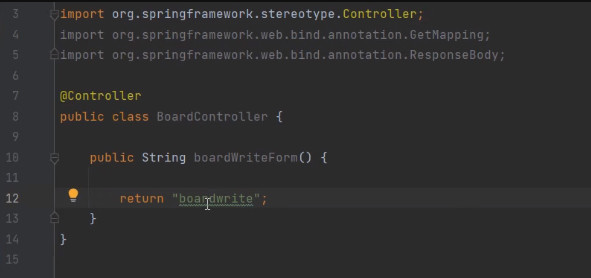
return "name"
이 쌍따옴표 사이에 들어가는 건
어떤 view 파일 (HTML파일)로 보내줄 건가를 입력해주는 것이다.
우리가 만든 파일은 boardwrite.html 인데, 이 중에서 .html 앞에 있는 부분을 적어주면 된다.
즉, return "이름" 여기서는 return "boardwrite"로 적어주면 됨
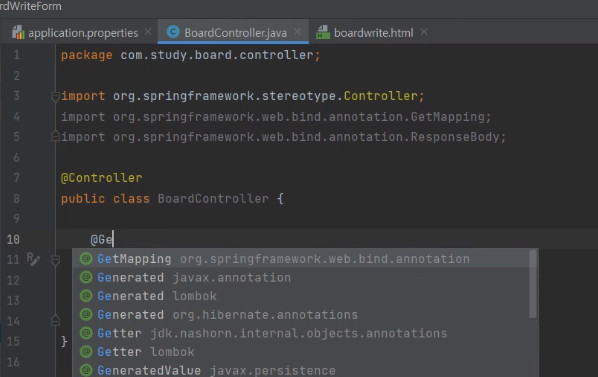
③ GetMapping

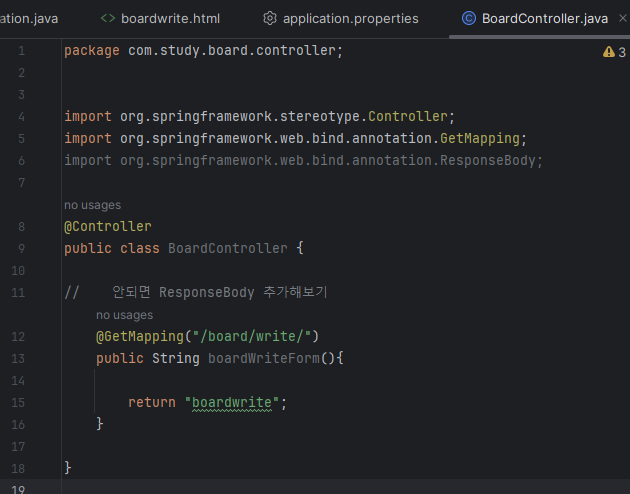
package com.study.board.controller;


import org.springframework.stereotype.Controller;
import org.springframework.web.bind.annotation.GetMapping;
import org.springframework.web.bind.annotation.ResponseBody;

@Controller
public class BoardController {

//    안되면 ResponseBody 추가해보기
    @GetMapping("/board/write/")
    public String boardWriteForm(){

        return "boardwrite";
    }

}
GetMapping이라는 건, 어떤 url로 접근할 건지에 대한 것을 지정해주는 annotation이다
이 경우에는 localhost 8080에 @GetMapping("/board/write/") 로 접속을 하면
(브라우저에서 http://localhost:8080/board/write/ 을 치면)
아래 있는 return "boardwrite" 즉, boardwrite HTML 페이지를 보여주겠다는 것이다.
(src > main > resources > templates > boardwrite라는 이름으로 만들어진 HTML 파일)
3. 결과 확인해보기

먼저 실행버튼 누르기
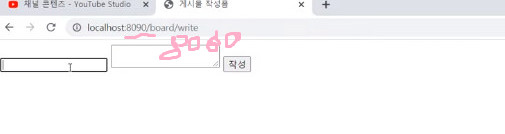
브라우저에서 확인해보기
localhost:8080/board/write/