
비동기 처리
# 04-cat-api-ad.html
더보기
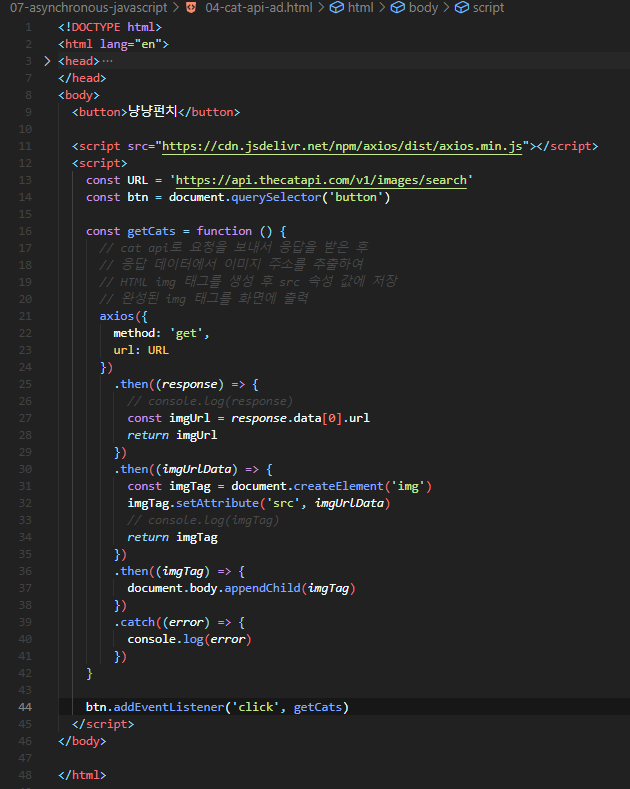
<!DOCTYPE html>
<html lang="en">

<head>
  <meta charset="UTF-8">
  <meta name="viewport" content="width=device-width, initial-scale=1.0">
  <title>Document</title>
</head>

<body>
  <button>냥냥펀치</button>

  <script src="https://cdn.jsdelivr.net/npm/axios/dist/axios.min.js"></script>
  <script>
    const URL = 'https://api.thecatapi.com/v1/images/search'
    const btn = document.querySelector('button')

    const getCats = function () {
      // cat api로 요청을 보내서 응답을 받은 후
      // 응답 데이터에서 이미지 주소를 추출하여
      // HTML img 태그를 생성 후 src 속성 값에 저장
      // 완성된 img 태그를 화면에 출력
      axios({
        method: 'get',
        url: URL
      })
        .then((response) => {
          // console.log(response)
          const imgUrl = response.data[0].url
          return imgUrl
        })
        .then((imgUrlData) => {
          const imgTag = document.createElement('img')
          imgTag.setAttribute('src', imgUrlData)
          // console.log(imgTag)
          return imgTag
        })
        .then((imgTag) => {
          document.body.appendChild(imgTag)
        })
        .catch((error) => {
          console.log(error)
        })
    }

    btn.addEventListener('click', getCats)
  </script>
</body>

</html>
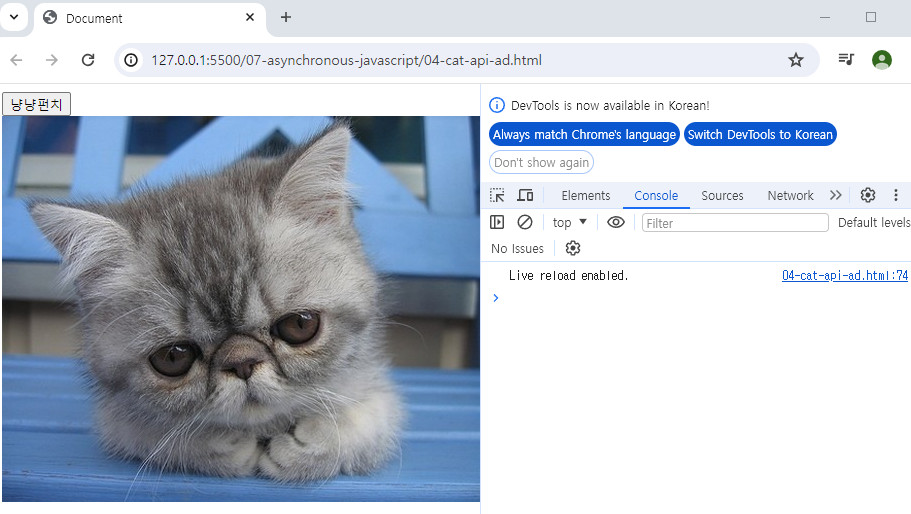
# 결과

'WEB > JavaScript' 카테고리의 다른 글
| [JavaScript][비동기] 비동기 처리는 코드의 실행순서가 불명확 => 콜백 함수를 사용하자 (0) | 2024.04.25 |
|---|---|
| [JavaScript][비동기] Ajax vs Axios (0) | 2024.04.25 |
| [JavaScript][비동기] 3. 실습 _ 고양이 사진 가져오기 (0) | 2024.04.23 |
| [JavaScript][비동기] 2. 실습 (0) | 2024.04.23 |
| [JavaScript][비동기] Ajax를 활용한 클라이언트 서버 간 동작 (0) | 2024.04.23 |